









Preventive Maintenance Guide for Consoles (PS5, Xbox, Switch): Cleaning and Longevity
Preventive Maintenance Guide for Consoles (PS5, Xbox, Switch): Cleaning and Longevity
Your latest generation console is a valuable investment. Like any piece of latest generation hardware, it requires regular care to ensure its peak performance and extend its lifespan. Preventive maintenance is crucial to prevent problems such as overheating, excessive noise, and system failures, allowing your gaming sessions to run smoothly and ensuring that consoles like the PS5, Xbox Series X/S, and Nintendo Switch maintain their optimized performance levels.
The Number One Enemy: Dust and Heat
The main goal of maintenance is to combat dust accumulation. Dust blocks vents and acts as a thermal insulator, trapping heat inside the chassis. This leads to thermal throttling (automatic speed reduction to cool down), resulting in:
- Increased Noise: The fans work harder to compensate for the heat.
- Performance Drop: Console optimization is compromised, especially in demanding games.
- Risk of Permanent Failure: Excessive heat damages critical components in the long run.
External Cleaning (General Rule for All Consoles)
This maintenance should be performed every 1 to 2 months, depending on your home environment.
- Turn Off and Disconnect: Ensure the console is completely off and cool, and disconnect all cables.
- Gentle Vacuuming: Use a handheld vacuum (or the thin nozzle of a household vacuum) at minimum power to gently vacuum dust accumulated on external openings and ventilation ports. Never press the nozzle firmly against the console.
- Compressed Air (Caution): Use compressed air cans in short bursts to dislodge dust from hard-to-reach areas (like the PS5's vent slots or the Xbox Series X/S grilles). Keep the can upright to prevent liquid from escaping. NEVER blow air directly into the console through the main openings, as it can push dust onto internal components.
- Surface Cleaning: Use a microfiber cloth lightly dampened with isopropyl alcohol (or water) to clean plastic surfaces, removing fingerprints and static dust.
Specific Maintenance by Console
Each type of console requires a specific touch:
PS5 and Xbox Series X/S
These high-performance consoles generate more heat. Maintaining air circulation is vital. In addition to external cleaning, consider:
- Positioning: Place the console in an open area, not confined to a closed cabinet or near other heat sources. Refer to the article PC Gaming Cooling to understand the airflow principles applied here.
- Access to Dust Catchers (PS5): The PS5 allows users to remove the side plates to access the "dust catchers," small holes designed to vacuum accumulated dust before it reaches the main heat sinks.
Nintendo Switch
Being portable, the Switch has fewer openings, but it is crucial to clean:
- Docks and Joy-Cons: Clean the charging terminals and the Joy-Con rails. Dust or dirt here can cause connection or charging problems.
- Card Slot: Use compressed air very gently in the game card slot and the MicroSD card slot (if using external storage).
Digital Care for Longevity
Maintenance is not just physical. Optimizing data management and the system contributes to longevity:
- Game Organization: Uninstall games you no longer use.
- Database Rebuild (PS5/PS4): This system option (accessible via Safe Mode) reorganizes data, improving loading times and resolving minor system errors.
- Updates: Always keep system software updated for stability fixes.
By integrating this cleaning routine into your gaming habit, you ensure that your console continues to offer maximum performance for years, justifying your decision on how to choose a console.
Related Articles
- Latest Generation Hardware — GPUs, Monitors, and Performance
- Console Optimization (PS5 and Xbox Series X) – Performance Modes
- External Storage for Consoles: SSDs, HDDs, and Speed
- How to Choose a Console
- The Importance of Cooling (Liquid vs. Air) in PC Gaming
Explore More
Discover more content in the Gaming Information Hub, consult the Gaming Glossary (A–Z) and visit the Gaming FAQ for quick answers to your questions.








Sale
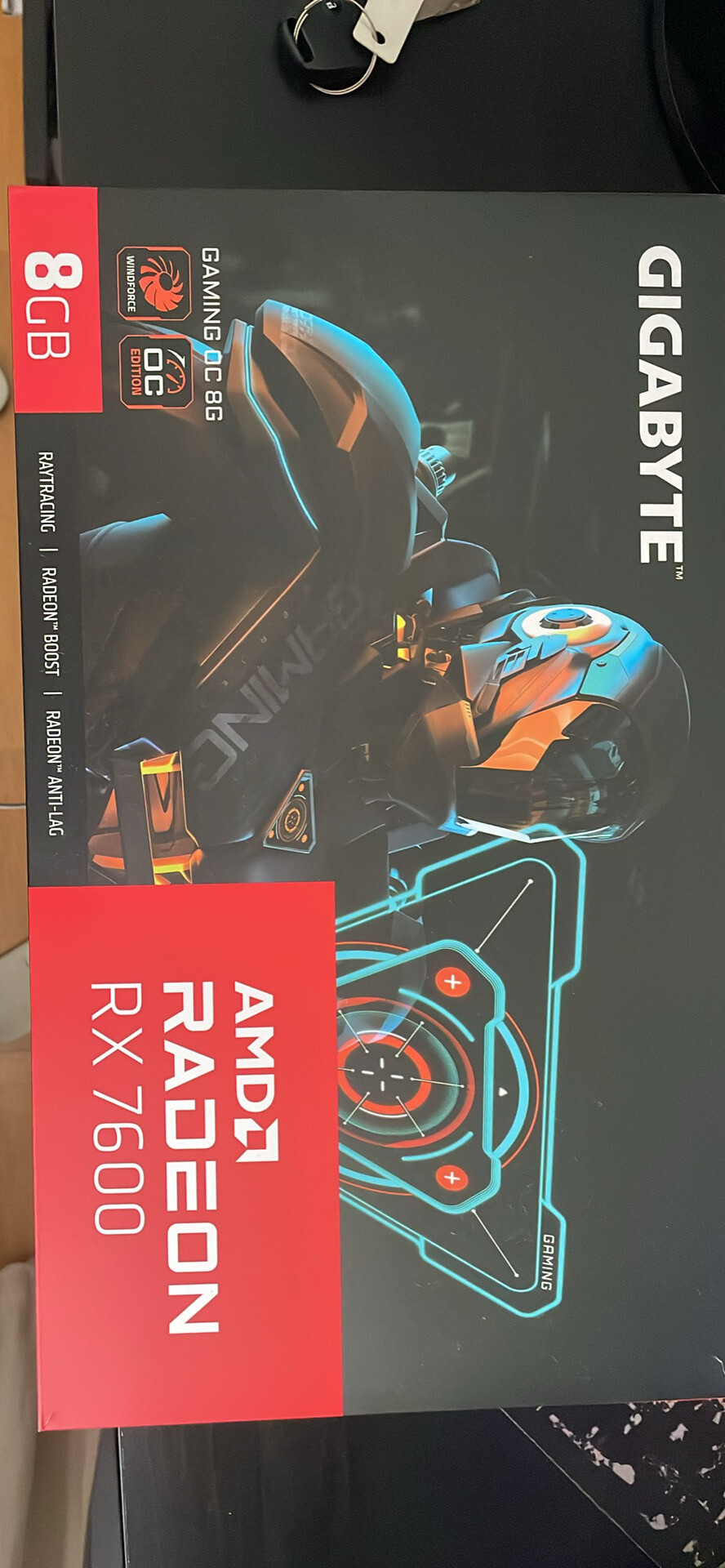
Gigabyte Radeon RX 7600 GAMING OC 8GB GDDR6 – Excelente estado
- Gaming PC/Mobile >
- Desktop Gaming







