










External Storage for Consoles: SSDs, HDDs, and Speed
External Storage for Consoles: SSDs, HDDs, and Speed
As AAA games continue to grow in size, the internal storage of consoles like the PS5 and Xbox Series X|S can quickly become insufficient. External storage provides a practical solution, but it's essential to understand the differences between available technologies (SSD vs. HDD) and how speed impacts your gaming experience.
1. SSD vs. HDD: The Key Difference in Next-Gen Consoles
Next-generation consoles use custom SSDs (Solid State Drives), which are significantly faster than traditional HDDs (Hard Disk Drives).
- HDD (Hard Disk Drive): The most economical option for large storage. Due to its mechanical design, read and write speeds are relatively slow. On PS5 and Xbox Series X|S, an external HDD can only store next-gen games but cannot be used to play them directly. They are suitable for older-generation games (PS4, Xbox One).
- External SSD (USB): Offers faster speeds and is generally used to store and play previous-generation titles. However, it is not fast enough to meet the bandwidth requirements for native PS5/Xbox Series X games.
- Internal/Dedicated Expansion (M.2 NVMe or Expansion Card): The only solution meeting the speed requirements for next-gen games. The PS5 requires an M.2 NVMe PCIe 4.0 SSD with strict speed and cooling specifications. The Xbox Series X|S uses a proprietary Expansion Card. This allows direct gameplay of next-gen titles. For a detailed analysis, see SSDs and NVMe.
Learn more about the differences in drive architecture and how they impact load times in our article on NVMe SSD, SATA SSD, and HDD Differences.
2. Benefits of Expanding Storage
Expanding storage is essential not only for additional space but also to ensure games run as intended. Insufficient space can also affect the console’s ability to handle updates and, occasionally, the preventive maintenance of the console itself.
Related Articles
- SSDs and NVMe: Revolutionizing Game Load Speeds
- NVMe, SATA SSDs, and HDDs: Impact on Game Load Times
- Console Preventive Maintenance Guide (PS5, Xbox, Switch): Cleaning and Longevity
- Next-Gen Hardware: GPUs, Monitors, and Performance
Explore More
Find more content in the Gaming Information Hub, check the Gaming Glossary (A–Z), and visit the Gaming FAQ for quick answers to your questions.










Sale
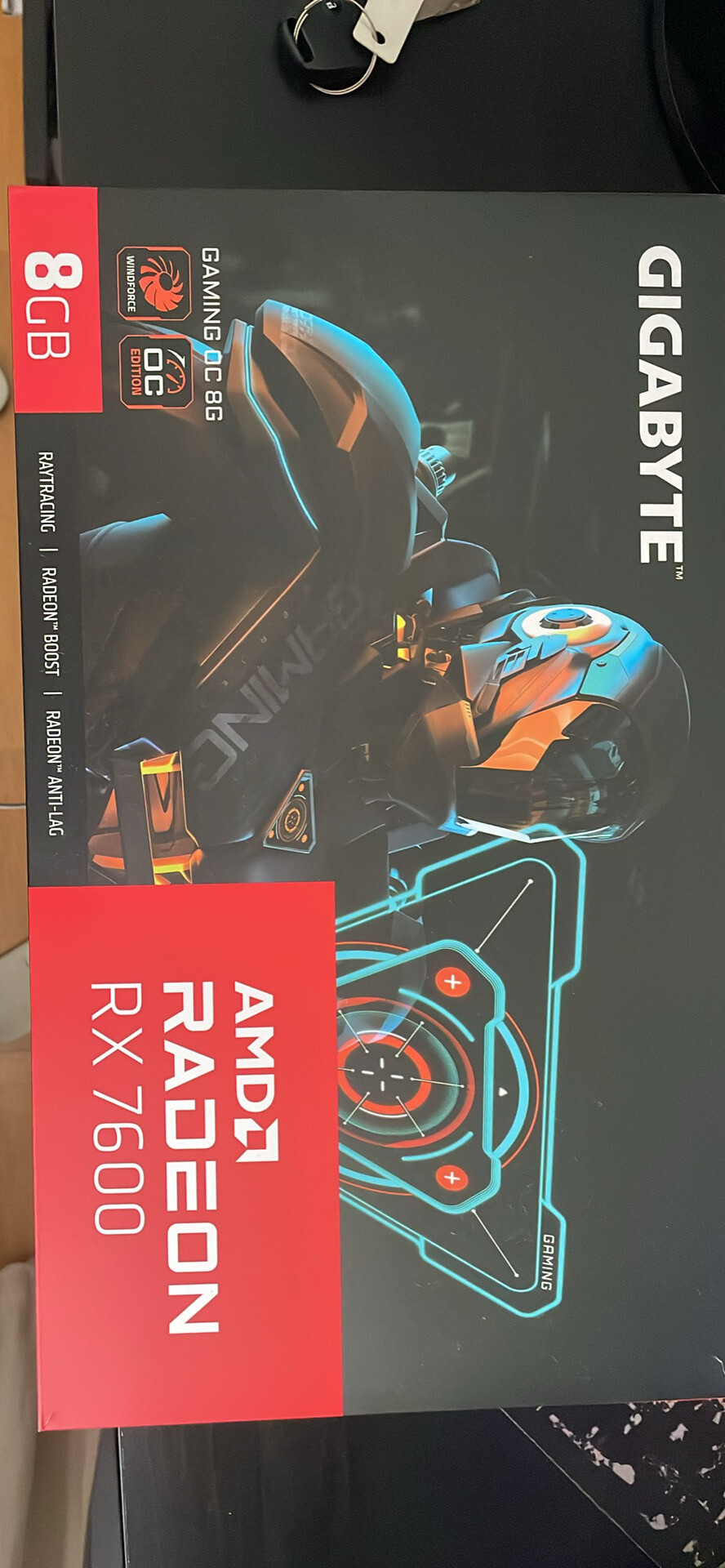
Gigabyte Radeon RX 7600 GAMING OC 8GB GDDR6 – Excelente estado
- Gaming PC/Mobile >
- Desktop Gaming







