Online Safety & Parental Controls — GameMarket.pt
Online Safety & Parental Controls
Gaming is fun and social — but it also requires responsibility and digital safety. Parental controls and safe online habits help protect players, especially younger audiences, from inappropriate content and harmful interactions.
Why Online Safety Matters
- Avoid sharing personal data (full name, address, school, etc.).
- Use strong passwords and two-factor authentication.
- Play only on verified or official servers.
- Beware of phishing links and suspicious messages.
What Are Parental Controls?
Parental control tools allow parents to:
- Set playtime limits.
- Restrict age-inappropriate content.
- Monitor activity and communication.
- Manage in-game purchases.
Available on most major platforms:
- PlayStation Family Management
- Xbox Family Settings
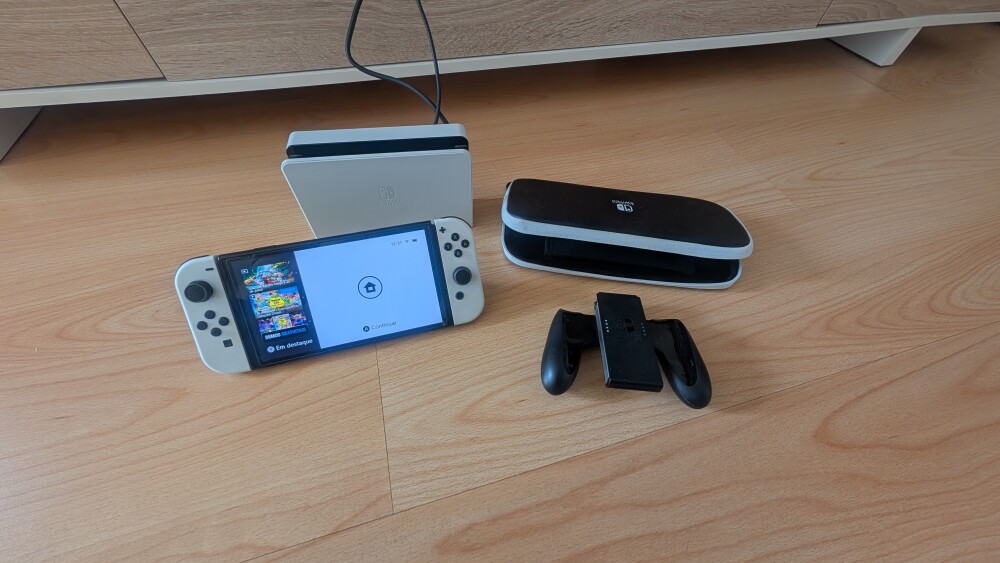
- Nintendo Switch Parental Controls
- Steam Family View
- Google Family Link & Apple Screen Time
Age Ratings & Content
Before playing or downloading, always check the PEGI age rating for appropriate content and recommended age.
Digital Well-Being
- Balance gaming with rest, study, and social life.
- Take breaks and mute notifications when needed.
- Report abusive or toxic behavior.
- Explore games with accessibility options.
Related Articles
Explore More
Learn more in the Gaming Information Hub, explore the Gaming Glossary (A–Z), and visit the Gaming FAQ.