PC Gaming: Complete Guide — GameMarket.pt
PC Gaming: Complete Guide
PC gaming remains one of the most versatile and powerful ways to play. From custom-built desktops to high-performance laptops, playing on PC offers flexibility, performance, and an immense variety of games and platforms. This complete guide covers everything you need to know to build, optimize, and enjoy the best gaming experience on your computer.
Why Choose PC for Gaming?
The PC is more than just a device — it’s an open platform that allows total customization. Gamers can tune performance, select peripherals, upgrade components, and access thousands of games across platforms like Steam, Epic Games Store, or Xbox Game Pass for PC.
- Superior graphics and performance — support for 4K resolutions, ray tracing, and high FPS.
- Freedom of choice — modular hardware, customizable controls, multiple operating systems.
- Limitless library — from indie to AAA games, including classics and new releases.
Essential Components of a Gaming PC
When building or buying a gaming PC, understanding each component’s role is key to achieving top performance.
- CPU: the system’s “brain,” responsible for processing instructions.
- GPU: renders 3D graphics and determines visual quality.
- RAM: affects multitasking and game smoothness.
- Storage: SSDs offer faster load times than HDDs.
- Motherboard: connects and manages all components.
- Power Supply (PSU): provides stable, safe power.
- Cooling: air or liquid systems maintain optimal temperatures.
PC Gaming Peripherals and Accessories
The right accessories can greatly enhance your experience:
- Monitor: 60Hz, 144Hz, or 240Hz depending on game type.
- Keyboard & Mouse: mechanical, fast response, RGB lighting.
- Headset: surround sound and high-quality mic.
- Ergonomic chair and desk: comfort for long sessions.
- Controllers: ideal for racing, fighting, or platform games.
Software and Gaming Platforms
- Steam: largest library and active community.
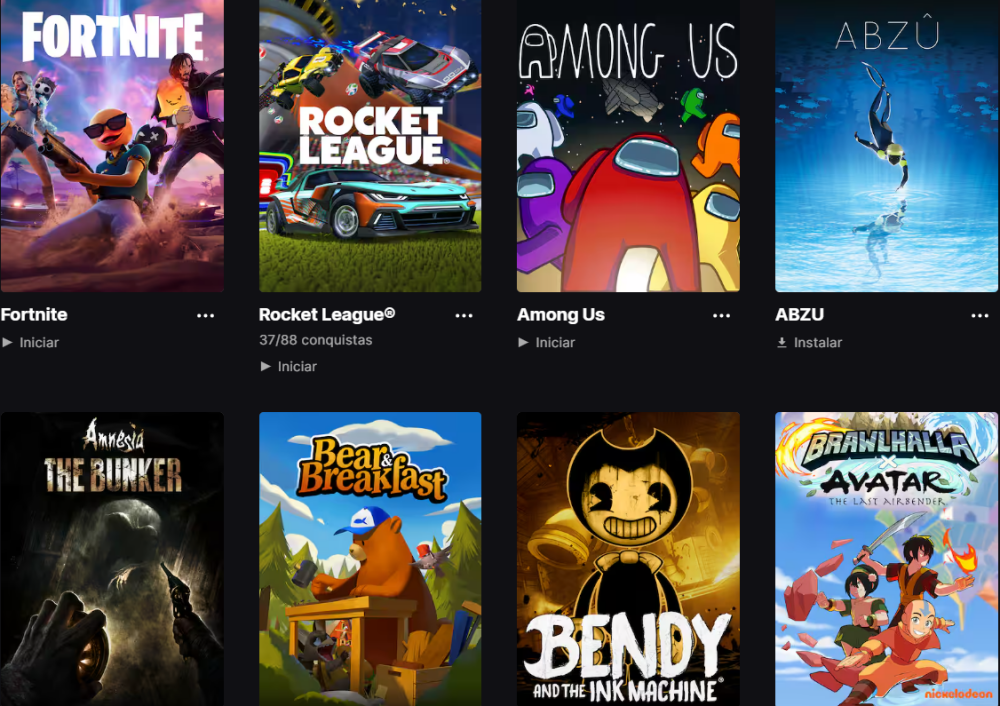
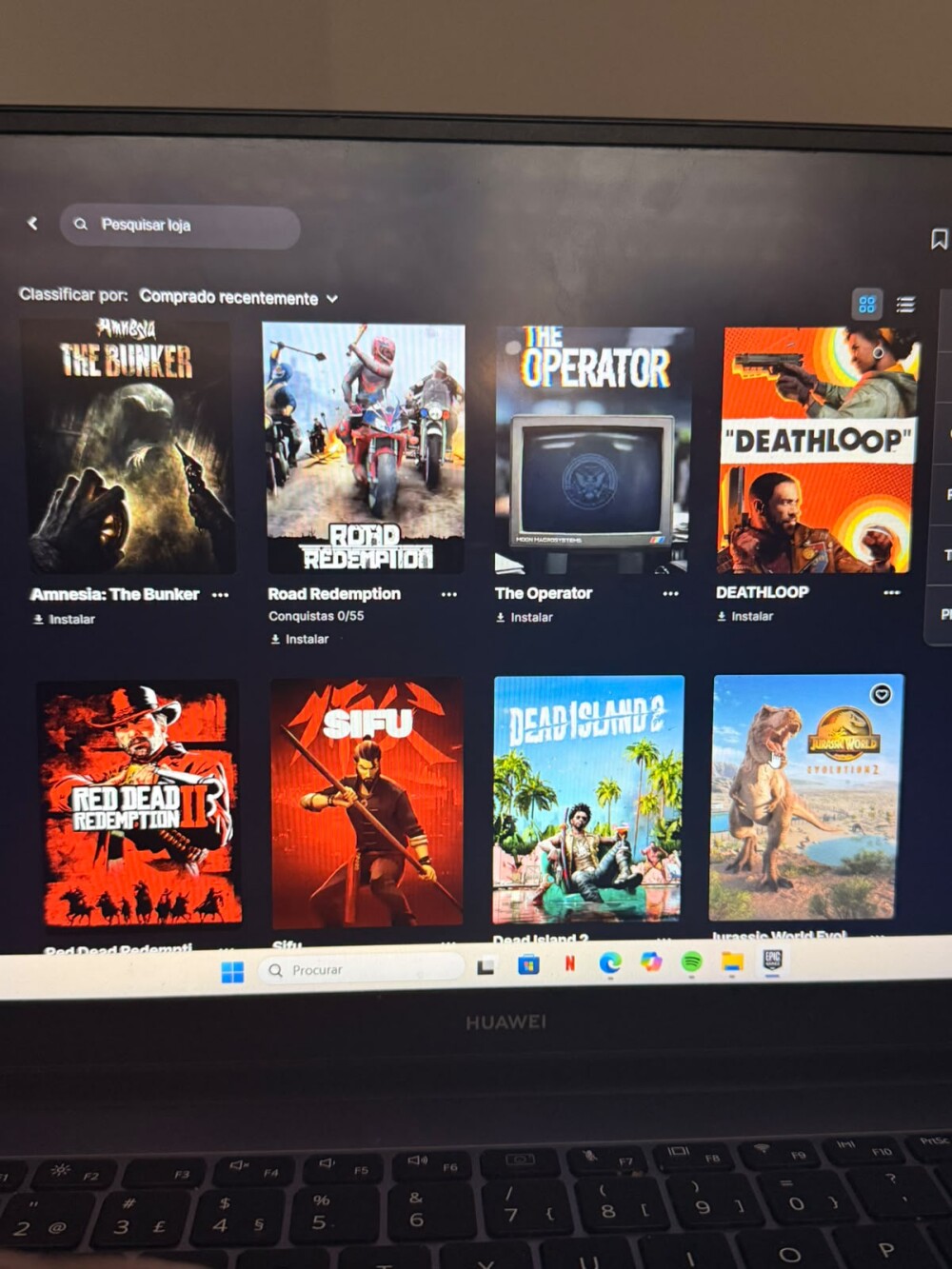
- Epic Games Store: weekly free games and exclusives.
- Xbox Game Pass for PC: rotating catalog of top titles.
- GOG Galaxy: DRM-free classics and retro games.
PCs are also perfect for modding — customizing games and adding community-made content.
Performance & Optimization
- Adjust graphics and resolution to match hardware.
- Use benchmark tools (3DMark, MSI Afterburner).
- Update GPU drivers regularly.
- Monitor temperatures and cooling.
See Benchmark, FPS & Optimization for detailed performance tips.
PC vs Console: Which Is Better?
PCs offer freedom and power, while consoles provide simplicity and stability.
- PC: customizable, powerful, higher cost.
- Console: plug-and-play, optimized exclusives.
See FAQ: Console or PC: Which to Choose?
Related Articles
- How to Choose a Gaming PC
- Gaming Accessories & Peripherals
- Benchmark, FPS & Optimization
- Modding & Communities
Explore More
Discover more on the Gaming Information Hub, check the Gaming Glossary (A–Z), and visit the Gaming FAQ for quick answers.