Network Optimization for Multiplayer: QoS, Port Forwarding, and Ping Reduction
Network Optimization for Multiplayer: QoS, Port Forwarding, and Ping Reduction
In competitive online gaming, your internet connection is as critical as your hardware. High ping, intermittent lag, or the dreaded packet loss can ruin your experience and compromise your performance. Network optimization involves a set of advanced techniques that ensure your game traffic receives maximum priority, resulting in minimal latency and more stable connections.
Ping, Latency, and Stability: The Gaming Connection Trinity
Ping (Packet Internet Groper) measures the time it takes for a small data packet to leave your PC, go to the game server, and return. This value, measured in milliseconds (ms), is what we call latency. The lower, the better:
- Low Ping (below 50ms): Ideal for fast-paced games (FPS, Fighting).
- Medium Ping (50ms - 100ms): Playable, but with a noticeable delay.
- High Ping (above 100ms): Causes significant lag and a competitive disadvantage.
Stability is equally important; latency spikes (known as jitter) or packet loss have a more severe impact on the experience than a constant, even slightly higher, ping.
Key Optimization Techniques
In addition to ensuring you have Latest Generation Hardware and a good connection, these configurations will make a difference:
1. Quality of Service (QoS)
QoS is a function in your router that allows you to prioritize certain types of internet traffic over others. By setting up QoS, you can tell your router to give maximum priority to your gaming PC and the ports used by games, over video streaming or downloads:
- Bandwidth Prioritization: Ensures that time-sensitive traffic (game) uses the necessary bandwidth, ignoring less sensitive traffic.
- Bufferbloat Reduction: Bufferbloat is the swelling of data queues in the router, which increases latency. Active QoS helps manage these queues efficiently.
2. Port Forwarding
Port Forwarding is essential to ensure that the connection between your PC and the game server is not blocked by the router's firewall. Each game uses specific TCP and UDP ports. By "forwarding" these ports to your PC, you ensure a direct, barrier-free connection. This is crucial for:
- Improving connection stability (fewer disconnections).
- Ensuring that voice chat and matchmaking services work correctly.
- Reducing input lag in some network scenarios.
Note: For most games, UPnP (Universal Plug and Play) can do this automatically, but manual Port Forwarding is safer and more reliable for serious gaming.
3. Physical Connection (Ethernet vs. Wi-Fi)
The simplest and most effective way to reduce jitter and packet loss is to connect your PC to the router via an Ethernet cable. Wi-Fi is susceptible to interference, which introduces variable latency and instability.
Operating System and Game Adjustments
Besides router settings, you can optimize your system to prioritize traffic:
- Disable Background Applications: Close launchers, streaming clients, and downloads that are not necessary for the game.
- Updated Network Drivers: Keep your network card and motherboard drivers updated.
- Game Engine Optimization: Adjusting the FPS (Frames Per Second) can influence how packets are sent. Consult our Benchmark, FPS & Optimization Guide for fine-tuning.
An optimized network is the final step to ensure that when a game demands a quick reflex, your action is registered on the server without delay. Thus, you can focus solely on winning.
Related Articles
- What is Input Lag and How to Reduce It on Monitors and TVs
- Latest Generation Hardware — GPUs, Monitors, and Performance
- Benchmark, FPS & Optimization — Performance Guide
- How to Choose a Gaming PC — Complete Guide
- Gaming Accessories and Peripherals
Explore More
Discover more content in the Gaming Information Hub, consult the Gaming Glossary (A–Z) and visit the Gaming FAQ for quick answers to your questions.







Sale
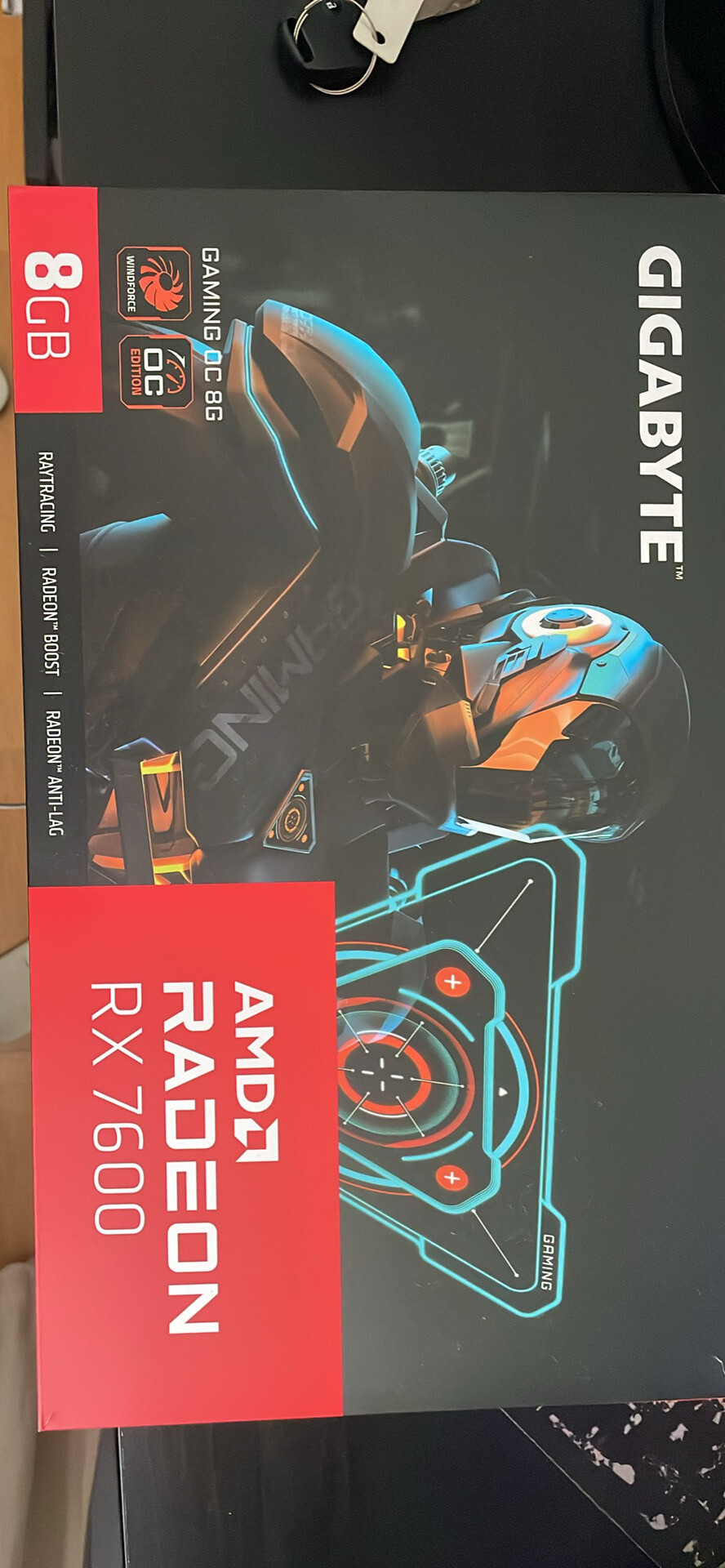
Gigabyte Radeon RX 7600 GAMING OC 8GB GDDR6 – Excelente estado
- Gaming PC/Mobile >
- Desktop Gaming

Sale
Project Motor Racing – Simulação de Corridas Realista para PS5
- PlayStation >
- PlayStation 5