










Monitors, Resolution, and Refresh Rate: Visual Optimization
Monitors, Resolution, and Refresh Rate: Visual Optimization
The monitor is the most critical component for your visual experience in gaming. Choosing the right monitor involves balancing three key factors: Resolution, Refresh Rate (Hz), and Response Time. Optimizing these parameters is essential to get the most out of your Latest Generation Hardware.
1. Resolution: More Pixels, More Demand
Resolution is the number of pixels the monitor displays. The higher the resolution, the greater the clarity and detail of the image, but also the greater the demand on the Graphics Card (GPU).
- 1080p (Full HD): Standard for most gamers, easy to achieve high FPS rates.
- 1440p (Quad HD): The sweet spot for many, offering a big jump in visual quality without overly stressing the GPU.
- 2160p (4K UHD): Maximum visual quality, but requires a top-tier GPU for modern games.
The impact on fluidity is directly linked to your rate of Resolution and FPS.
2. Refresh Rate (Hz): Motion Fluidity
The Refresh Rate (measured in Hertz, Hz) indicates how many times per second the monitor is capable of drawing a new image. It is crucial for fast and competitive games (FPS/TPS):
- 60Hz: Basic standard. Enough for slow or strategic games.
- 144Hz to 240Hz: Ideal for competitive gaming. The difference from 60Hz to 144Hz is immediately noticeable in fluidity and reduced motion blur.
- 360Hz or Higher: For Esports niches where every millisecond counts.
Your Refresh Rate will only be utilized if your GPU can generate FPS equal to or higher than that rate.
3. Optimization and Additional Technologies
- Response Time: Metric (in milliseconds, ms) that indicates how quickly a pixel changes color. A time of 1ms is ideal to eliminate ghosting (image trails).
- Panel: TN panels are the fastest, but IPS offer the best colors (see IPS, TN, and VA Monitors).
- Adaptive Sync: Technologies like G-Sync and FreeSync eliminate screen tearing and reduce stuttering by dynamically synchronizing the monitor's refresh rate with the GPU's FPS rate.
Related Articles
- Gaming Refresh Rate: What It Is and Why It Is Important
- IPS, TN, and VA Monitor Panels: Which is Best for Gaming?
- Monitors vs. TVs in Gaming: What's the Difference and Which to Choose?
- Graphics Cards: Understanding Performance and Specifications
- Monitor Resolution: Impact on FPS and Choice for Gaming
Explore More
Discover more content in the Gaming Information Hub, consult the Gaming Glossary (A–Z) and visit the Gaming FAQ for quick answers to your questions.









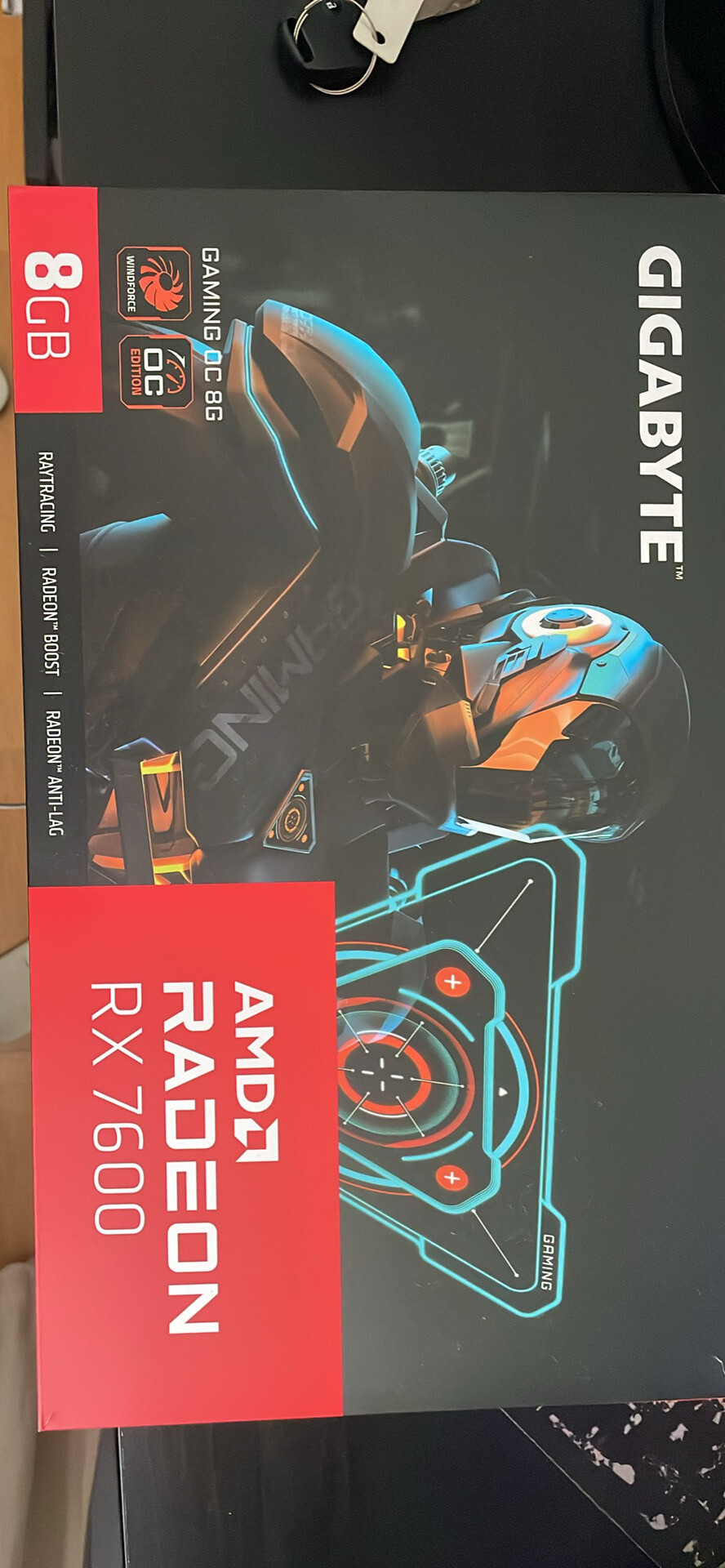
Sale
Gigabyte Radeon RX 7600 GAMING OC 8GB GDDR6 – Excelente estado
- Gaming PC/Mobile >
- Desktop Gaming







