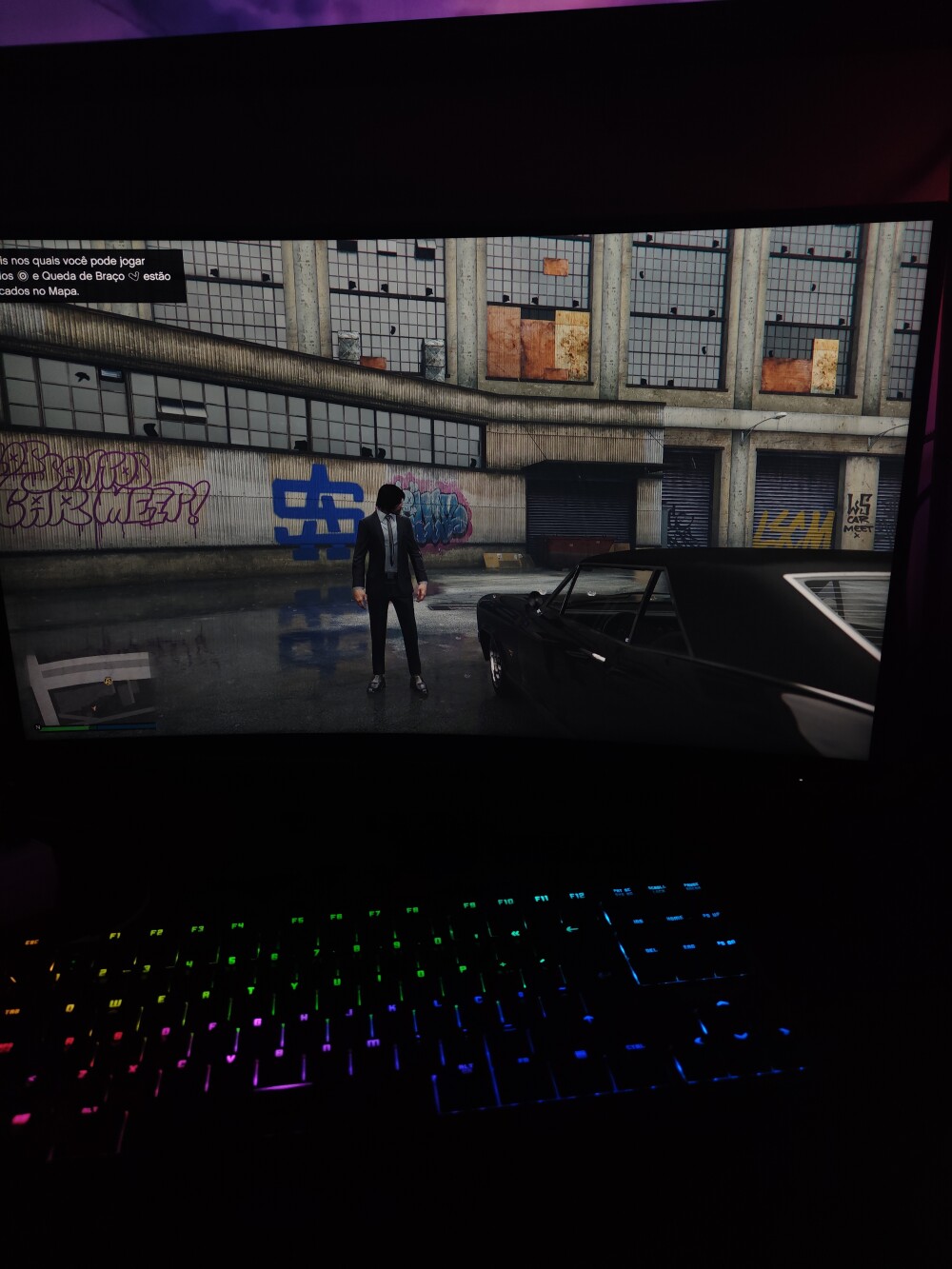
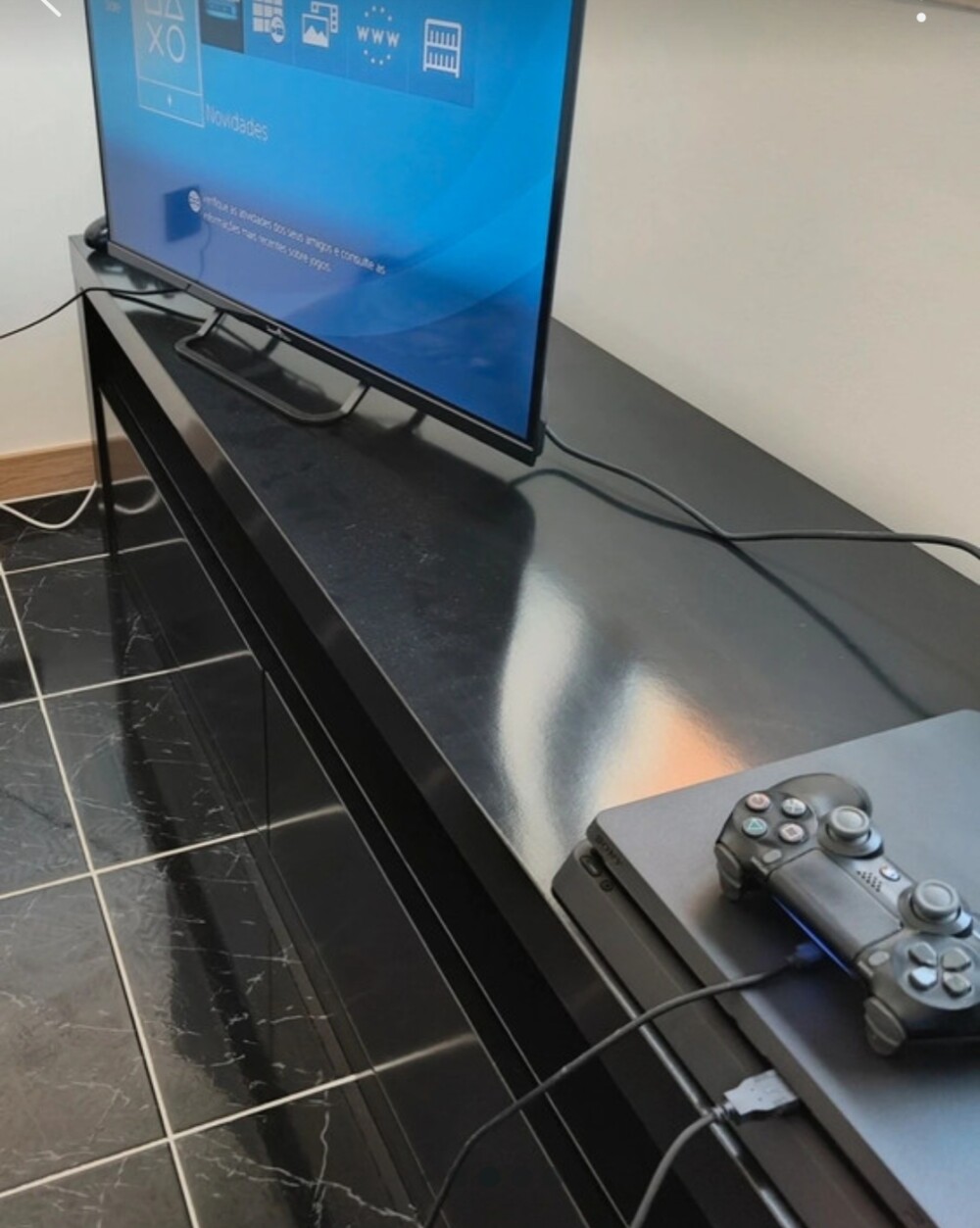
Internet and Gaming: Latency, Speed, and Network Optimization
Internet and Gaming: Latency, Speed, and Network Optimization
The quality of the gaming experience on PC Gaming and online platforms heavily depends on internet speed and network optimization. Multiplayer games require low latency, stable connections, and efficient data transfer to ensure smooth, competitive gameplay.
1. Latency and Ping
Latency, measured in milliseconds, is the time data takes to travel from the player to the server and back. Low ping is essential for competitive games, while high values can cause lag and disrupt gameplay.
- Factors Affecting Latency: server distance, network congestion, internet provider quality.
- Multiplayer: understanding the difference between LAN and WAN is crucial (LAN vs. WAN, Ping and Servers).
2. Internet Speed
Download and upload speed affect texture loading, updates, and real-time communication. Cloud gaming and game streaming require consistent speeds to avoid interruptions (Cloud Gaming).
- Recommended Speed: 25 Mbps download and 5 Mbps upload for 1080p gaming; higher for 4K or VR.
- Latency vs. Speed: fast connection alone does not guarantee low ping; both need optimization.
3. Network Optimization
Techniques exist to reduce latency and improve network performance for gaming:
- QoS Configuration: prioritizes game packets on your home network.
- Port Forwarding: opens specific ports for direct server connections.
- Ping Reduction: choose nearby servers and use Ethernet instead of Wi-Fi (Network Optimization for Multiplayer).
Related Articles
- PC Gaming: What It Is and How It Compares to Other Platforms
- Cloud Gaming: Playing in the Cloud
- Multiplayer — LAN vs. WAN, Ping and Servers
- Gaming Monitors: Refresh Rate (Hz) and Response Time
- Benchmark, FPS and Optimization — Performance Guide
Explore More
Discover more content in the Gaming Information Hub, check the Gaming Glossary (A–Z), and visit the Gaming FAQ for quick answers.









Sale
O Senhor dos Anéis – A Batalha pela Terra Média II (PC DVD) – Edição Portuguesa Completa – Raro
- Gaming PC/Mobile >
- Desktop Gaming

Sale
O Senhor dos Anéis – A Batalha pela Terra Média (PC DVD) – Edição Portuguesa Completa – Raro
- Gaming PC/Mobile >
- Desktop Gaming