Monitors vs. TVs in Gaming: What's the Difference and Which to Choose?
Monitors vs. TVs in Gaming: What's the Difference and Which to Choose?
The choice between a monitor and a TV is crucial and depends on the type of game, the platform (PC Gaming vs. Consoles), and the viewing distance. Although modern TVs have improved significantly, monitors still offer specific technical advantages for competitive and high-performance gaming.
1. Input Lag
This is the most important technical difference. Input lag is the time it takes for the video signal to process and display the image after the player's command. A significant delay can be fatal in fast-paced games:
- Gaming Monitors: Optimized for minimum latency (usually below 10ms), ensuring your actions are seen on the screen almost instantly.
- TVs: Traditionally had higher latencies (40ms+) due to image processing. Many modern TVs have a "Game Mode" that disables processing to reduce input lag, but they rarely achieve the speed of a good monitor.
2. Refresh Rate and Response Time
These specifications affect the fluidity and clarity of motion (Refresh Rate):
- Monitors: They lead in high refresh rates (144Hz, 240Hz or higher) and low response times (1ms to 4ms GTG). Essential for FPS and Esports games.
- TVs: Most operate at 60Hz. Only the latest high-end models support 120Hz at 4K. The response time (which affects motion blur) is generally slower on TVs.
3. Sync Technologies and Resolution
- Adaptive Technologies: Monitors offer more comprehensive and reliable support for G-Sync and FreeSync, eliminating screen tearing.
- HDR and Size: TVs are excellent for vibrant colors (HDR) and immersion due to the large screen size, perfect for cinematic or story-driven games (Narrative Story Games).
- Resolution: Both support 4K. However, a 1440p Resolution monitor with 144Hz is generally preferable for PC Gaming than a 4K at 60Hz.
Which to Choose?
| Scenario | Recommended Device | Why |
|---|---|---|
| Competitive Gaming (PC/Console) | Monitor | Very low input lag, high Hz rate (144Hz+), and reliable synchronization. |
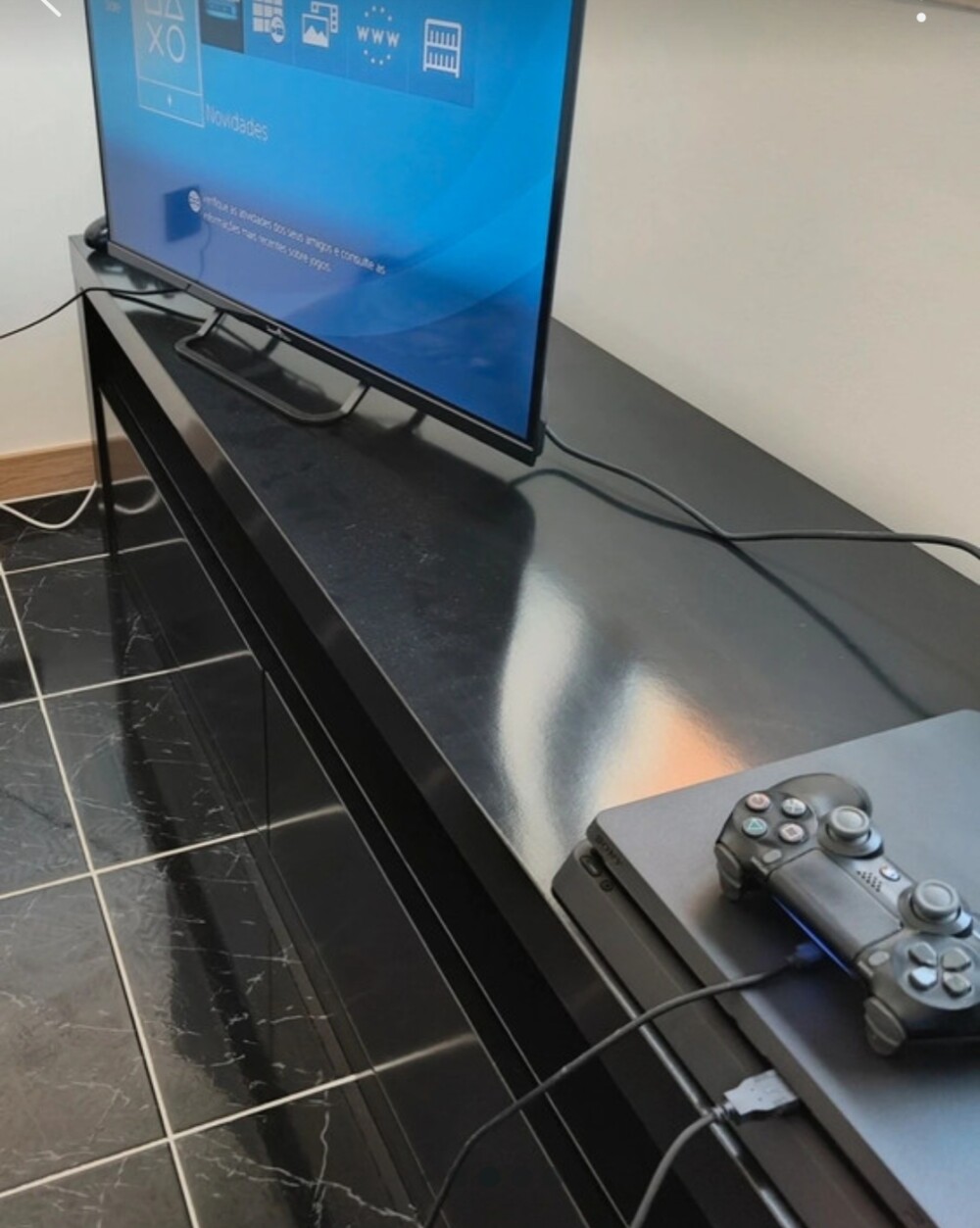
| Casual/Immersive Console Gaming | TV (With Game Mode) | Large screen for immersion and HDR. Game Mode improves latency, which is acceptable for most players. |
Related Articles
- Refresh Rate in Gaming: What It Is and Why It Is Important
- Monitors, Resolution, and Refresh Rate: Visual Optimization
- PC Gaming: What It Is and How It Compares to Other Platforms
- Single-Player Games: Story and Narrative
Explore More
Discover more content in the Gaming Information Hub, consult the Gaming Glossary (A–Z) and visit the Gaming FAQ for quick answers to your questions.