PC Gaming Energy Consumption: How to Optimize and Reduce Costs
PC Gaming Energy Consumption: How to Optimize and Reduce Costs
A high-performance Gaming PC is a powerful machine, but with that power comes significant energy consumption. Understanding where this consumption comes from and how to optimize it is essential not only to reduce your electricity bill but also to ensure the longevity of your hardware. Consumption is measured in Watts (W).
1. The Biggest Energy Consumers
The total consumption of a PC is dominated by two main components, especially during gameplay (maximum load):
- Graphics Card (GPU): This is the component that consumes the most power, especially High-Performance cards or those using Ray Tracing. Its consumption is given by the TDP (Thermal Design Power) value.
- Processor (CPU): The second biggest consumer. Consumption can vary greatly depending on the generation and whether it is in background tasks or in games that demand a lot from the processor.
The consumption of these two components determines the minimum necessary power of your Power Supply Unit (PSU) after a PC Upgrade.
2. The Role of the Power Supply Unit (PSU)
The Power Supply Unit is vital, not only to provide sufficient energy but also to do so efficiently. Always look for PSUs with 80 PLUS certification (Bronze, Gold, Platinum). A higher efficiency certification means a smaller percentage of the outlet's power is wasted as heat, which reduces electrical consumption and the need for Cooling.
- Example: A Gold PSU wastes less energy than a Bronze to deliver the same power to your hardware.
3. Energy Consumption Optimization Tips
You can reduce consumption without drastically compromising your experience:
- Limit FPS: If your monitor only has 60Hz, limiting the FPS to 60 in the game settings (or using V-Sync/G-Sync) makes the GPU work less hard, reducing energy consumption.
- Undervolting: Reducing the voltage of the GPU or CPU without significantly affecting their frequency. This can noticeably lower consumption and temperature.
- Power Saving Modes: Use the operating system's power saving modes when you are not playing.
- Turn off Monitors: Monitors, especially those with high Resolution or refresh rate, consume a lot of energy.
Related Articles
- Graphics Cards: Understanding Performance and Specifications
- The Importance of Cooling (Liquid vs. Air) in PC Gaming
- PC Upgrade: How, When, and Why to Update Your Machine
- Monitor Resolution: Impact on FPS and Choice for Gaming
- Ray Tracing and DLSS Technology: What They Are and How They Affect Games
Explore More
Discover more content in the Gaming Information Hub, consult the Gaming Glossary (A–Z) and visit the Gaming FAQ for quick answers to your questions.








Sale
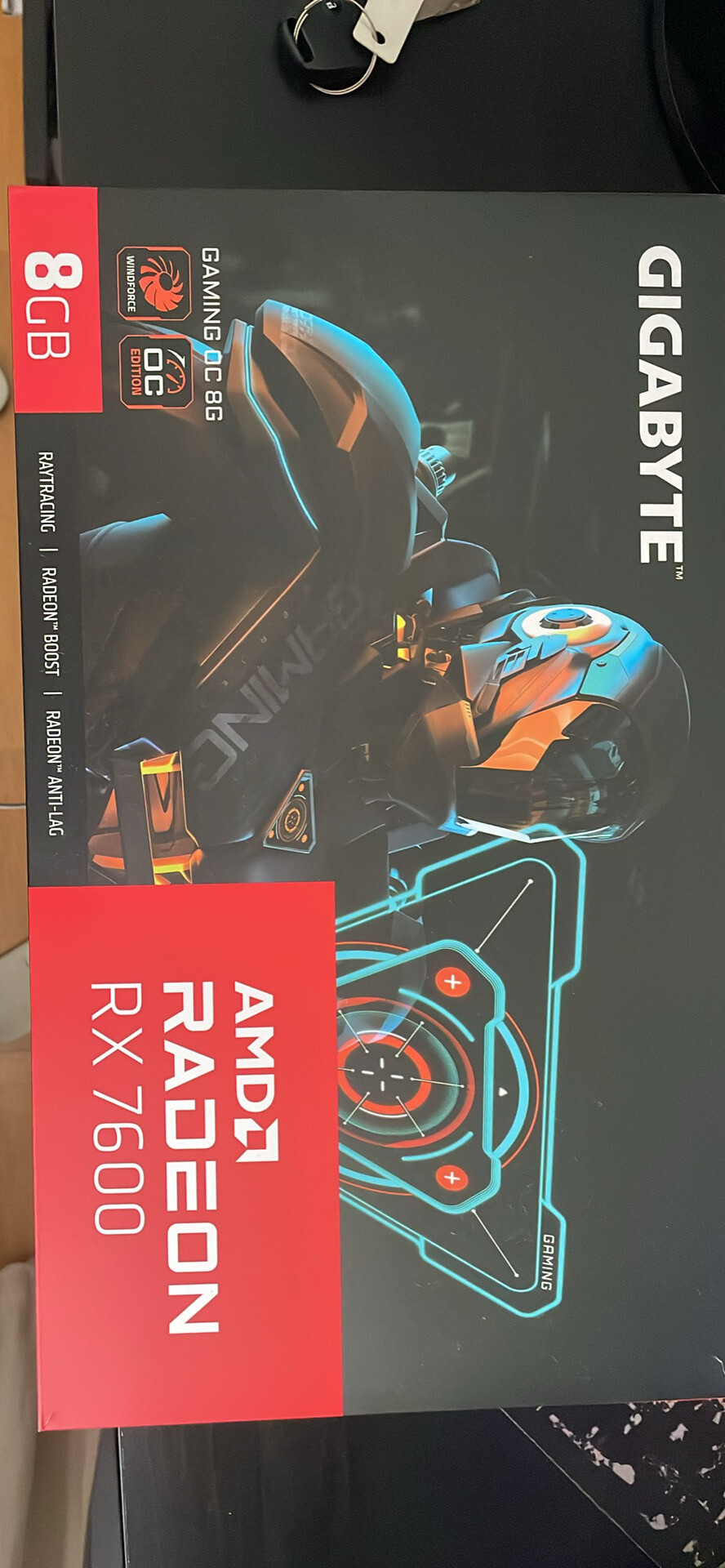
Gigabyte Radeon RX 7600 GAMING OC 8GB GDDR6 – Excelente estado
- Gaming PC/Mobile >
- Desktop Gaming

Sale
Project Motor Racing – Simulação de Corridas Realista para PS5
- PlayStation >
- PlayStation 5