Benchmark, FPS & Optimization — Performance Guide — GameMarket.pt
Benchmark, FPS & Optimization — Performance Guide
Understanding your gaming PC’s performance helps you get the best possible experience. This guide explains benchmarks, FPS (frames per second), and how to optimize your setup for smooth gameplay.
What is a Benchmark?
A benchmark is a performance test that measures how powerful your system is. It can target CPU, GPU, memory, or storage.
- Synthetic benchmarks: tools like 3DMark, Cinebench, Geekbench.
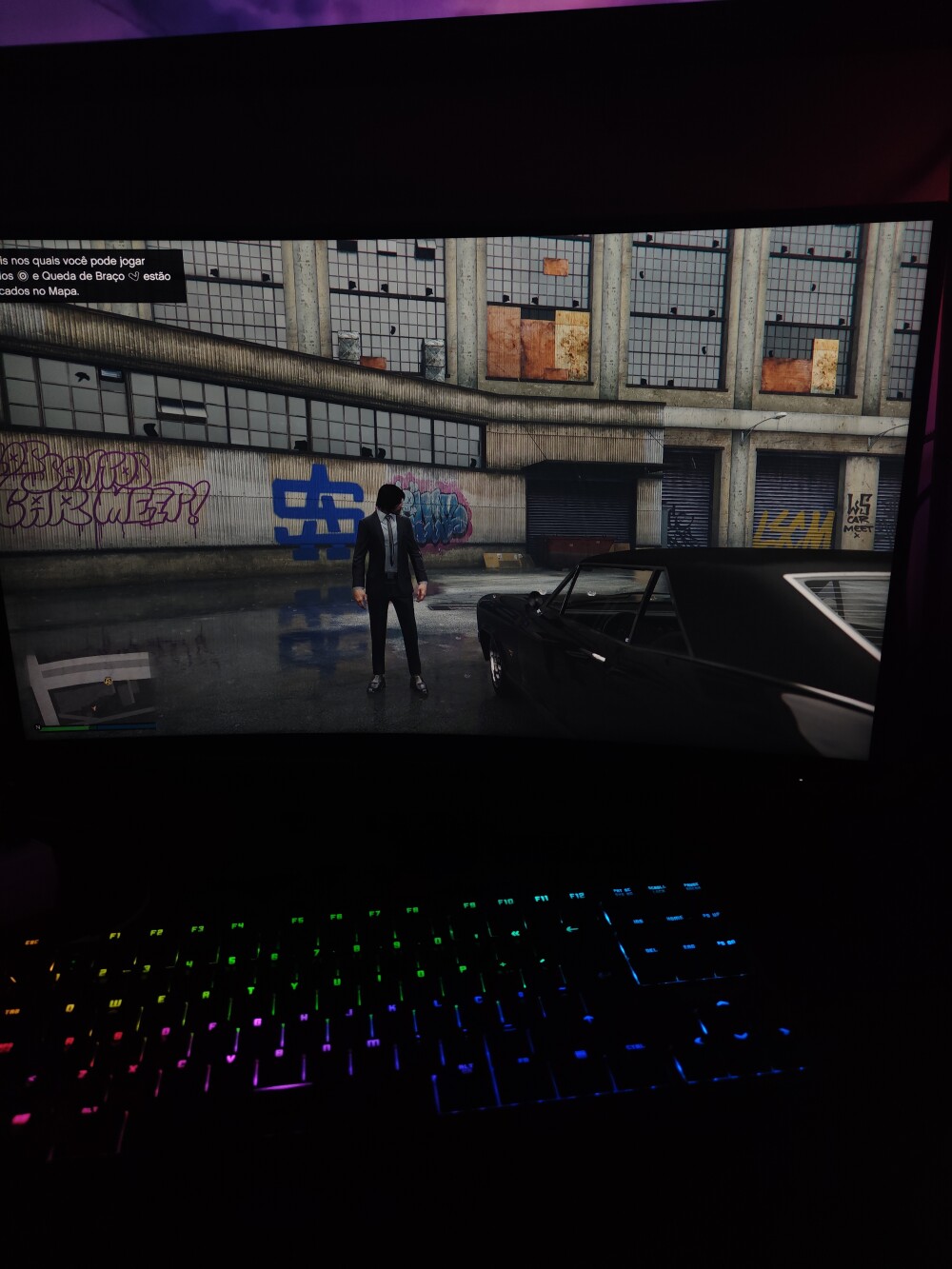
- In-game benchmarks: built into titles like GTA V, Forza Horizon, Cyberpunk 2077.
- Comparative benchmarks: to evaluate similar setups.
What are FPS?
FPS (frames per second) show how many images your screen displays per second — higher FPS means smoother motion.
- 30 FPS: playable but not fluid.
- 60 FPS: ideal balance for most gamers.
- 120+ FPS: best for competitive eSports.
Optimization Tips
- Keep drivers updated — especially GPU.
- Close background tasks before gaming.
- Use an SSD for faster load times.
- Adjust graphics settings to your system’s limits.
- Monitor temperature to avoid throttling.
Recommended Tools
- MSI Afterburner
- CapFrameX
- HWMonitor
- GeForce Experience / AMD Adrenalin
Related Articles
Explore More
Learn more in the Gaming Information Hub and check out the Glossary and FAQ.









Sale
O Senhor dos Anéis – A Batalha pela Terra Média II (PC DVD) – Edição Portuguesa Completa – Raro
- Gaming PC/Mobile >
- Desktop Gaming
R$ 479,5754

Sale
O Senhor dos Anéis – A Batalha pela Terra Média (PC DVD) – Edição Portuguesa Completa – Raro
- Gaming PC/Mobile >
- Desktop Gaming
R$ 419,6284